Customized Approval or Auto Assignments
Work Orders
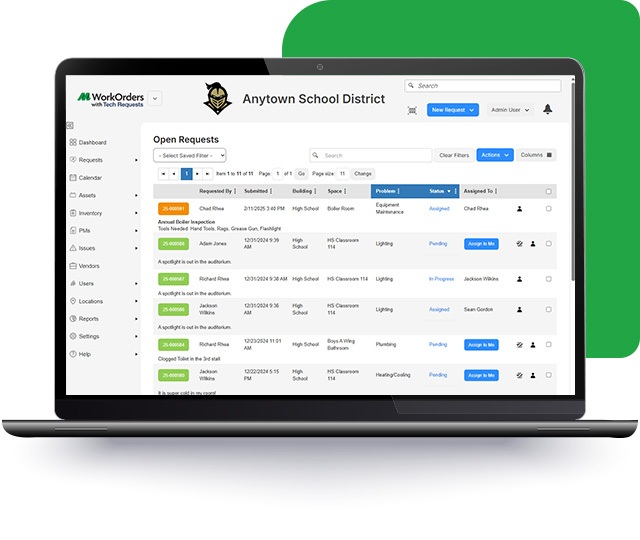
Route technology requests through a customized approval process or automated assignments based upon the location and/or problem type.
Custom Roles
Work Orders
Create a custom list of roles (e.g. software engineer, network administrator) for system users.
Assign Access
Work Orders
Assign district staff access to different features based on their assigned role.
Set Assigned Roles
Work Orders
Set how many staff members are involved in the technology request process and their assigned roles by district building.
Automatic Email Notifications
Work Orders
Set automatic email notifications to select staff members based on a change in the status of a technology request.
Associate Technology Requests
Work Orders
Easily associate technology requests with district specific budget codes.
Link Work Orders to Devices
Work Orders
Allow designated staff members to link specific assets to technology requests such as laptops and smartboards.
Generate Technology Request via Email
Work Orders
Set up an email address that will auto-generate a technology request once an email is received. From there the ticket can be managed internally.
Custom Forms
Work Orders
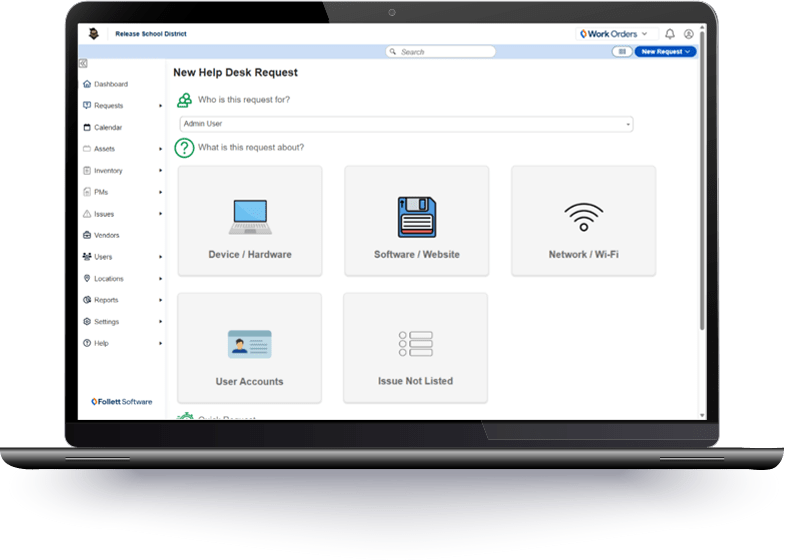
Create a custom form with specific questions that are required to be filled out in order to submit a technology request without being logged into the system.
Explore the Full Potential of Work Orders
Work Orders