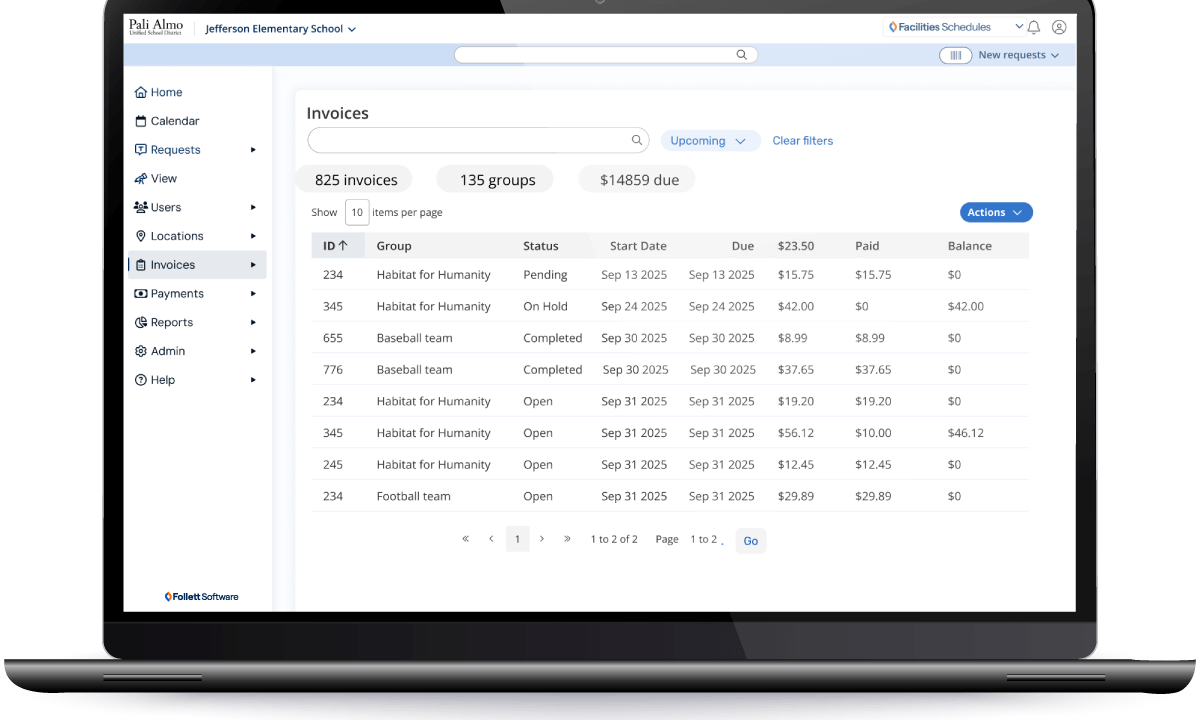
Invoice before or after an event
Facilities Schedules
Automatically send invoices upon approval or manually after an event has occurred with the ability to override any fee information. Quickly add line items before sending.
Invoice different usage fees by group type or day of week
Facilities Schedules
Customize the fee schedule based on the group’s classification as well as the day of the week (weekday, Saturday, Sunday rates).
Option to require a 50% deposit on request approval
Facilities Schedules
An invoice for half the usage and support staff/equipment fees can be sent to groups upon facility use request approval, but prior to the event.
Place requesting groups on hold if invoices are overdue
Facilities Schedules
If a group has an overdue invoice, you can set a rule that they cannot schedule new events until the invoice is paid. The system will notify the community user that they cannot reserve space until their outstanding invoice is paid.
Explore the Full Potential of Facilities Schedules
Facilities Schedules
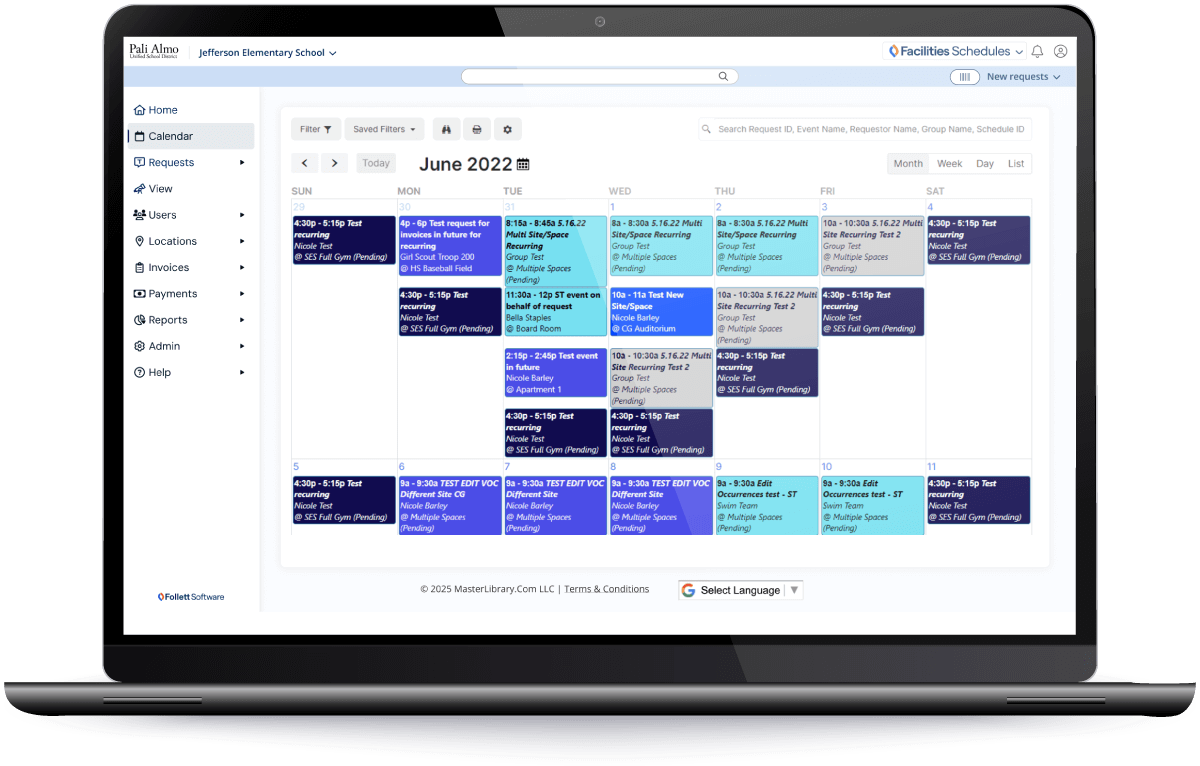
Integrations with commonly used payment software applications
Facilities Schedules Integrations
Facilities Schedules provides native integration to PayPal® or MySchoolBucks® software making it easier for requestors to pay invoices online and recover costs faster.

Schedule a one-on-one personalized demo.
Take an hour to talk with one of our expert team members for a no-pressure walk-through of the many features Facilities Schedules has to offer. This dedicated time allows you to go in-depth on any questions or features you’d like to understand better. SCHEDULE A DEMO
Schedule a Demo